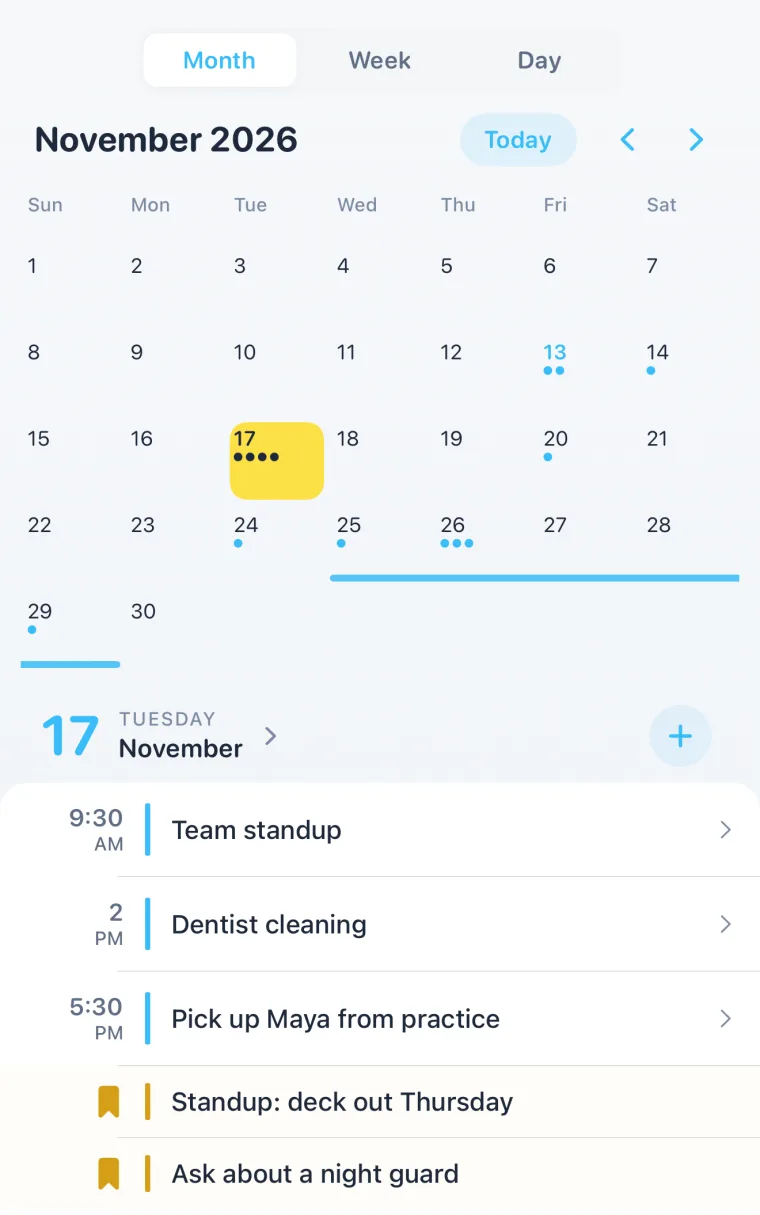
The easiest family calendar on iPhone is the one Family Sharing makes for you. Open Settings, tap your name, then Family, and invite up to five people. Once they accept, Apple sets up a shared calendar called Family on everyone’s devices. Any event you put on it shows up for everyone in the family.
Below is how to add events to it, when a shared iCloud calendar works better, and the part a shared calendar can’t do on its own.
Set up Family Sharing
- Open Settings and tap your name at the top.
- Tap Family.
- Invite each person. One adult, the organizer, can invite up to five others.
When the invitations are accepted, Family Sharing sets up on everyone’s devices, including the shared calendar. Apple notes the organizer can see the family’s shared calendars on members’ devices.
Add events everyone sees
- Open the Calendar app and tap Calendars at the bottom. Make sure Family is ticked.
- Add an event as usual, then tap Calendar and choose Family.
- Tap Add. It appears on every family member’s iPhone, iPad and Mac.
If someone adds family events to their own calendar instead, nobody else sees them. Setting Family as the default saves that step: Settings, Apps, Calendar, Default Calendar, Family.
When a shared iCloud calendar works better
Family Sharing is one group with one organizer, and it shares more than the calendar. For a calendar with your partner only, a co-parent in another household, a sitter or a grandparent, share an iCloud calendar instead. You choose exactly who sees it and who can edit. The steps are in how to share a calendar on iPhone.
What a family calendar can’t do
A shared calendar gets everyone looking at the same week. Both phones say “Maya, dentist, 3:00”. Neither phone says the one coming from work needs to leave at 2:20, and the one at home can wait until 2:40.
Composed works on top of the calendars your family already uses, Family and shared ones included, and syncs with them. Each person who uses Composed gets their own leave-by time from where they actually are, with traffic, and a reminder when it’s time to go. For one plan with people outside the family, share a single event from Composed: they get a link that works in any browser, answer Going, Maybe or Not for me, and can add it to whatever calendar they use. They don’t need Composed.
See how Composed works, screen by screen.
Shared events showing up but no alert on your phone? See how to fix iPhone calendar alerts not working.
Sources
- Apple Support, How to set up Family Sharing on your iPhone, iPad or Mac; Apple Mac User Guide, Add events to your Family Sharing calendar; Apple iPhone User Guide, Share features with your family and Change Calendar settings on iPhone. Read 2026-11-19.
Frequently asked questions
- How do I make a family calendar on iPhone?
- Set up Family Sharing: Settings, your name, Family, and invite up to five people. When they accept, a shared calendar called Family is set up on everyone's devices, and events you add to it appear for everyone.
- Why don't my family see the events I add?
- The event went to your own calendar instead of Family. When adding an event, tap Calendar and choose Family, or set Family as your Default Calendar under Settings > Apps > Calendar.
- How many people can be on a Family Sharing calendar?
- The organizer plus up to five family members. For more people, or people outside the family, share an iCloud calendar instead.
- Can I share a calendar with my family without Family Sharing?
- Yes. Share an iCloud calendar from the Calendar app by tapping Calendars, the Info button next to an iCloud calendar, then Add Person. You choose who sees it and who can edit.
- Is there an app that tells each family member when to leave?
- Composed works on top of your family's shared calendars and gives each person who uses it their own leave-by time from where they are, with traffic, and a reminder when it's time to go.