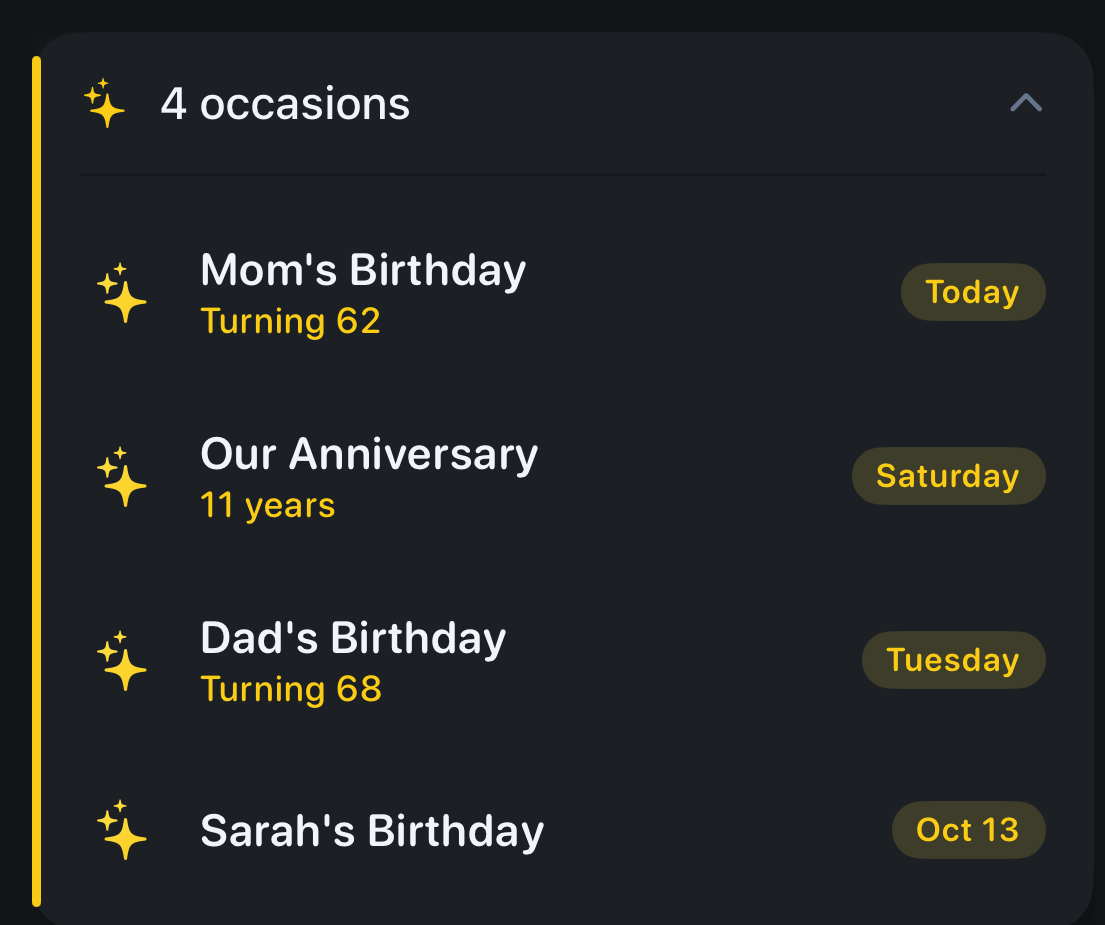
To add a birthday to your iPhone calendar, add it to the person’s contact card. Open Contacts, tap the person, tap Edit, tap add birthday, choose the date, and tap Done. Then open the Calendar app, tap Calendars at the bottom, and tick Birthdays. Every birthday saved in Contacts now shows on your calendar, every year.
The catch is that a birthday on the calendar isn’t a reminder. Below is how to get an alert for it, and what to check when a birthday doesn’t show.
Add the birthday to the contact
The iPhone’s Birthdays calendar is built from Contacts. You can’t type a birthday into the Birthdays calendar itself; you add it to the person’s card and the calendar follows.
- Open Contacts and tap the person.
- Tap Edit.
- Tap add birthday, pick the date, and tap Done.
To add your own, open My Card at the top of Contacts and do the same.
Show the Birthdays calendar
- Open the Calendar app.
- Tap Calendars at the bottom.
- Tick Birthdays.
Apple’s guide puts it simply: tap Birthdays to include birthdays from Contacts with your events.
Get an alert for every birthday
A birthday on the calendar is easy to miss. To be alerted:
- Open Settings, tap Apps, then Calendar.
- Tap Default Alert Times, then Birthdays.
- Choose when you want the alert, for example a day before.
This is one alert per birthday, at the time you choose. For a gift that has to be ordered or a card that has to be mailed, a day’s notice is often too late.
A birthday doesn’t show up
- The Birthdays calendar is unticked. Tap Calendars in the Calendar app and tick it.
- The birthday isn’t on the contact. Open the contact; if there’s no birthday field, add one as above.
- You just added it on another device. Contacts and the Birthdays calendar sync through iCloud, and Apple notes the iCloud Birthdays calendar can take a while to update. Give it a day.
- The person is in two contact cards. The birthday may be on the other card. Search Contacts for the name.
When one alert isn’t enough
The iPhone gets the date right. What it doesn’t do is help you get ready for it.
In Composed you type or say the birthday the way you’d say it, “Mom’s birthday March 3, born 1964”, and it’s saved as a yearly occasion, apart from your appointments and to-dos. Then it reminds you a month ahead, three weeks, two weeks, a week, three days, the evening before and on the day, with the age they’re turning, early enough to order the gift and mail the card. Birthdays don’t count toward Composed’s free limit.
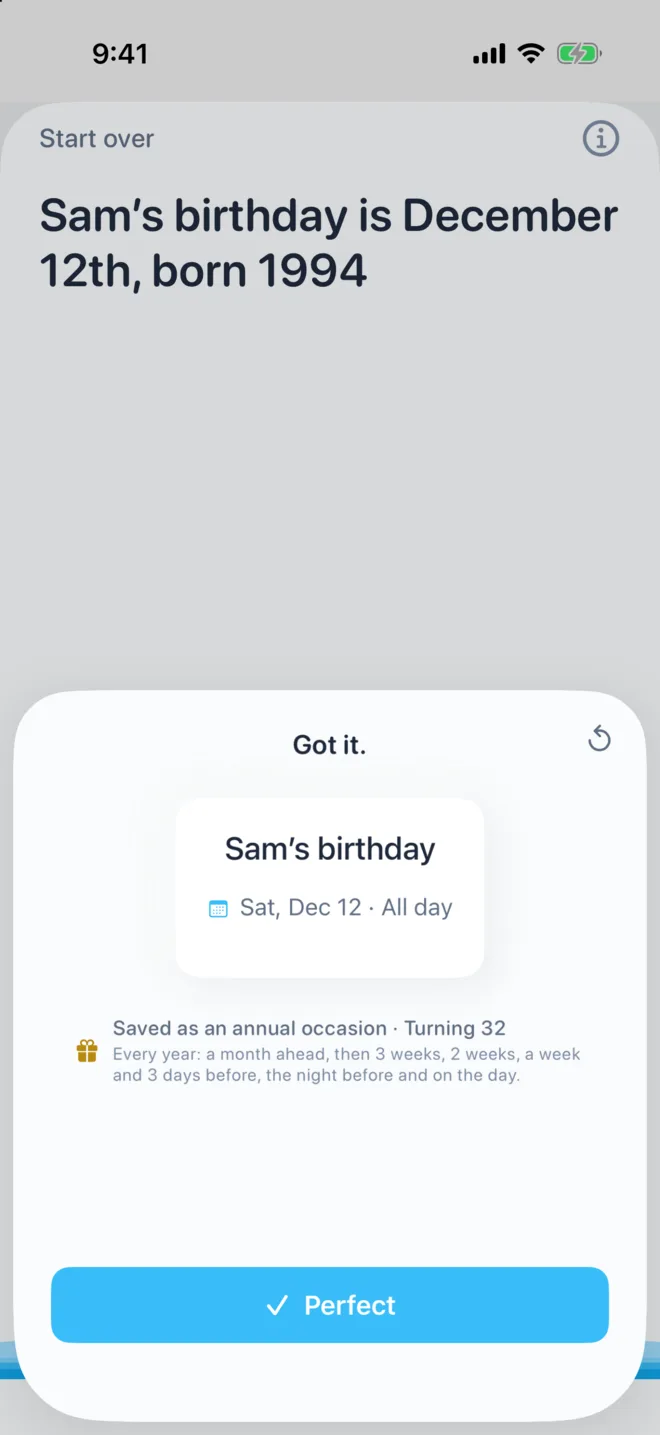
See the birthday reminder app that tells you in time for the gift for the full schedule.
If your calendar alerts in general aren’t coming through, see how to fix iPhone calendar alerts not working.
Sources
- Apple iPhone User Guide, Set up multiple calendars on iPhone, Edit contacts on iPhone and Change Calendar settings on iPhone; Apple Support, If your iCloud Contacts, Calendars or Reminders won’t sync. Read 2026-11-19.
Frequently asked questions
- How do I add birthdays to my iPhone calendar?
- Add the birthday to the person's contact: open Contacts, tap the person, tap Edit, tap add birthday, choose the date and tap Done. Then in the Calendar app, tap Calendars and tick Birthdays.
- Why are birthdays not showing on my iPhone calendar?
- Usually the Birthdays calendar is unticked, or the birthday isn't saved on the contact. In the Calendar app, tap Calendars and tick Birthdays, then check the contact has a birthday. A birthday added on another device can take a while to sync.
- How do I get a reminder for birthdays on iPhone?
- Open Settings, tap Apps, Calendar, then Default Alert Times, tap Birthdays and choose when to be alerted. That gives one alert per birthday.
- Can I add a birthday directly to the iPhone Birthdays calendar?
- No. The Birthdays calendar comes from Contacts, so you add or change a birthday on the person's contact card and the calendar updates.
- Is there a way to get reminded earlier for birthdays?
- The iPhone gives one alert at the time you choose. Composed reminds you a month ahead, then 3 weeks, 2 weeks, a week, 3 days, the evening before and on the day, with the age they're turning.