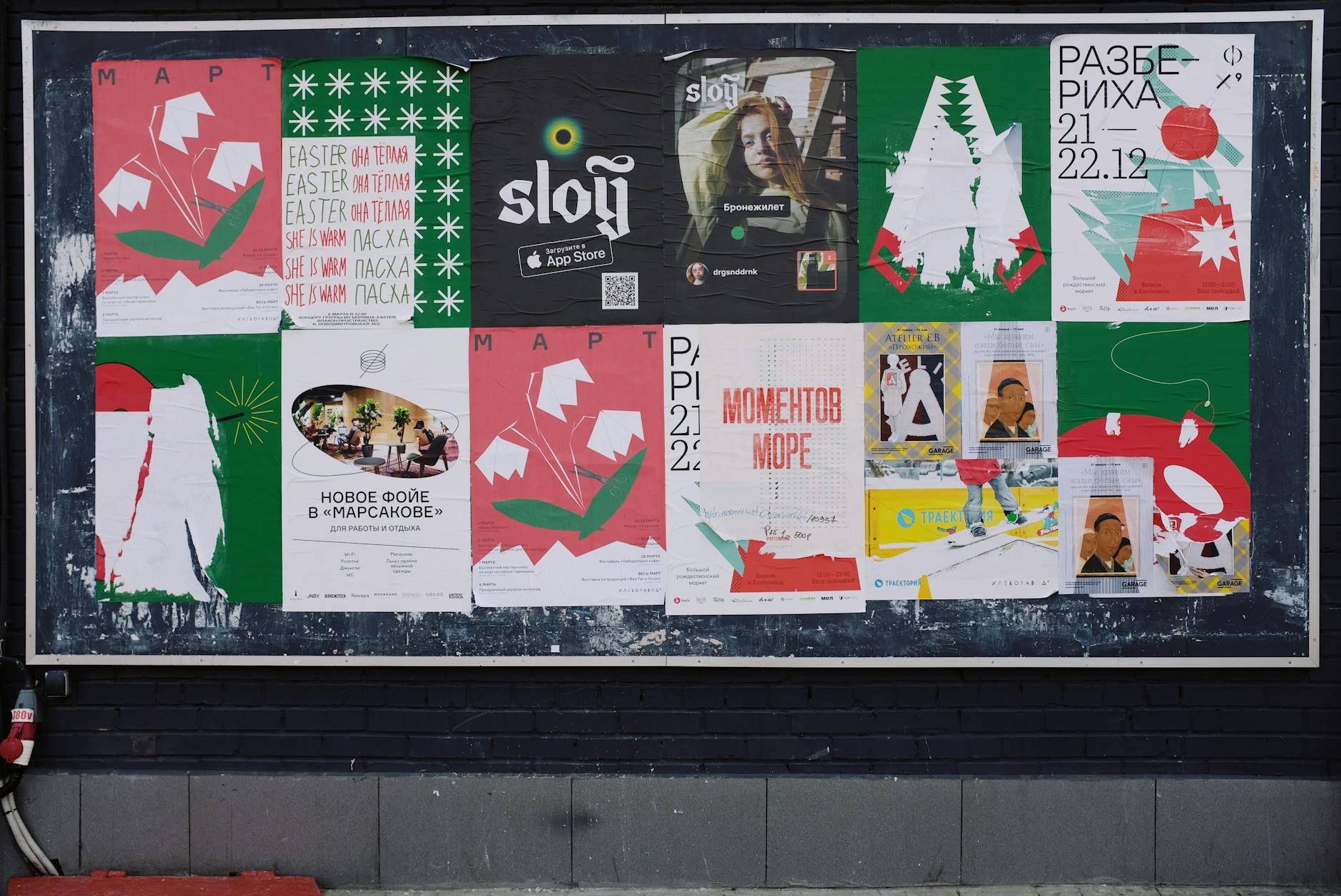
You are standing in a coffee shop and there is a poster on the wall. Live jazz, Friday night, 8 PM, at a venue across town. It sounds perfect. You take a mental note, maybe snap a photo, and then you walk out the door and back into your life.
By Friday, you have forgotten about it entirely.
This happens constantly. Not because you did not care, but because the gap between seeing something interesting and actually putting it on your calendar is just wide enough for real life to fill in. The poster was compelling for ten seconds. Then your coffee was ready, your phone buzzed, and the jazz night disappeared into the noise.
The Real Problem Is Not Forgetting
You did not forget the jazz night because your memory is bad. You forgot it because remembering requires action, and the action is tedious.
Think about what it actually takes to turn a poster into a calendar event manually. You need to open your calendar app. Create a new event. Type the name. Set the date. Set the time. Add the location. Maybe add a note about ticket prices or the artist name. That is six or seven separate fields, each requiring you to look back at the poster (or your photo of it) and transcribe what you see.
That is two minutes of focused effort. In a coffee shop, with people behind you in line, two minutes might as well be two hours. So you tell yourself you will do it later. And later never comes.
The friction is the problem, not your brain. This is the same pattern described in how to remember everything without writing it all down — when the capture effort exceeds the capture moment, things fall through.
Photos Are Already Half the Answer
Most people have already figured out step one: take a photo. Your camera roll is probably full of screenshots and snapshots of things you meant to follow up on. Event posters, restaurant menus, flight confirmations, receipts, class schedules pinned to a gym wall.
The photo is a two-second capture. That part works. What does not work is what comes after — the photo sits in your camera roll alongside 14,000 other photos, and unless you process it within the next hour, it becomes invisible.
There is a specific kind of frustration that comes from knowing you captured something but not being able to find it. Scrolling through your camera roll on Friday evening, trying to find that jazz poster from Tuesday. Was it before or after the screenshots of that recipe? Did you crop it? Is it in the “recent” album or did it get sorted somewhere else?
The photo captured the information. But nobody captured the photo.
What If the Photo Did the Work for You
The ideal flow looks like this: you see a poster, you take a photo, and the event appears on your calendar — with the date, time, location, and details already filled in. No typing. No transcription. No remembering to process it later.
This is not hypothetical. Image recognition has reached the point where a clear photo of an event poster, a flyer on a telephone pole, or a screenshot of an Instagram event can be read and understood automatically. The technology can pull out the event name, when it is happening, where it is happening, and any other details that are visible.
“The best capture system is the one that requires the least effort at the moment of capture.”
The difference between taking a photo and taking a photo that becomes an event is the difference between intention and action. One says “I should go to this.” The other says “I am going to this, and I will be reminded about it.”
The Types of Things This Works For
Once you start thinking about poster-to-calendar capture, you realize how many events in your life start as visual information that never makes it into your schedule.
Community events
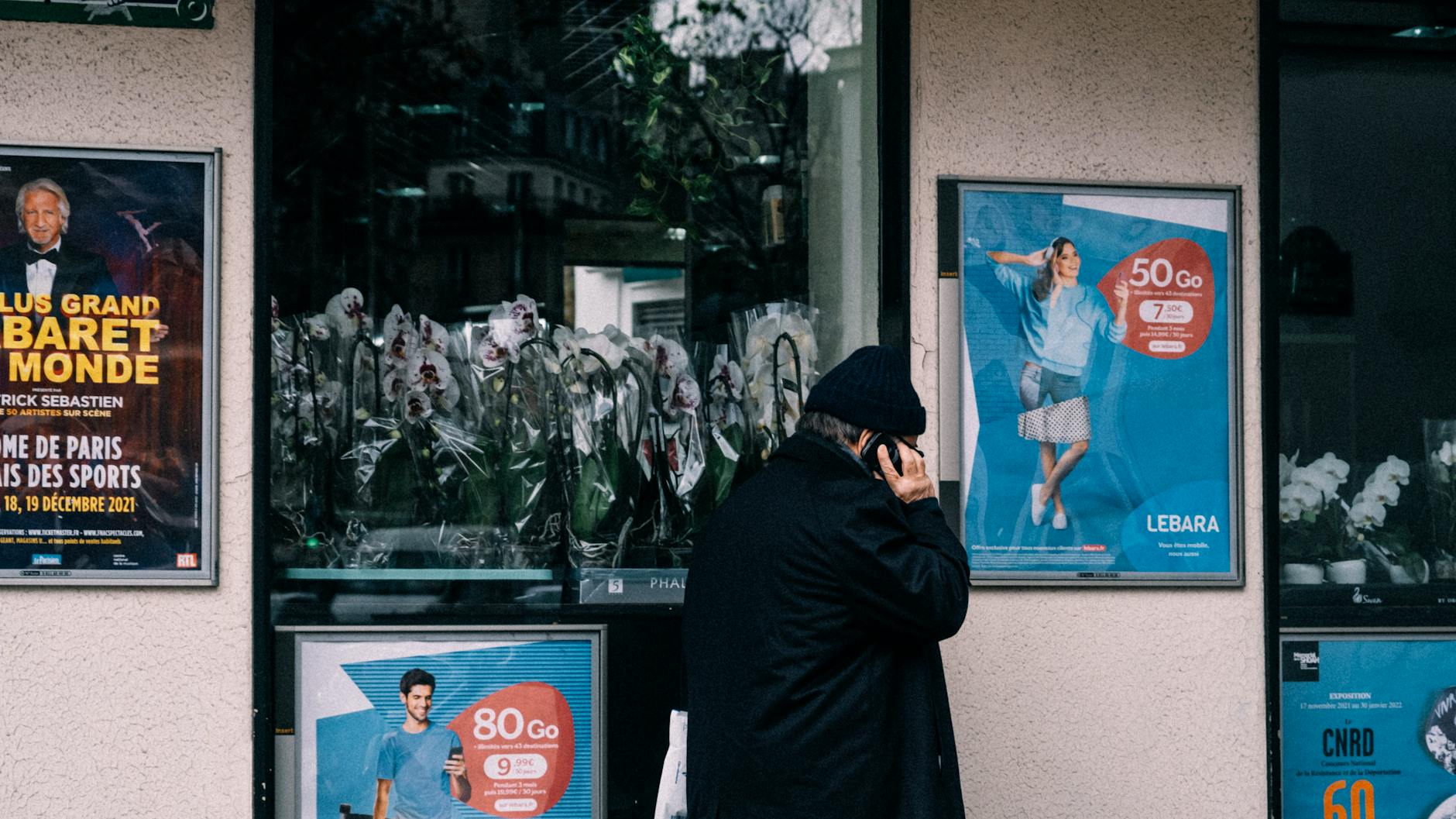
Farmers markets, art walks, holiday festivals, charity runs, neighborhood block parties. These get advertised on physical flyers, community boards, and local social media. They are exactly the kind of thing you want to attend but forget about because they do not fit neatly into your existing calendar routine.
Restaurant and bar events
Trivia nights, live music, wine tastings, prix fixe dinners. Restaurants love to advertise these with posters at the counter or Instagram stories that vanish in 24 hours. If you do not capture them in the moment, the moment passes.
Kids’ school events
The flyer that comes home in a backpack. The school newsletter with the spring concert date. The field trip permission slip with the pickup time. These are high-stakes — missing a school event has emotional consequences — and they arrive on paper, which is the least reliable capture medium in existence.
Conference and professional events
A colleague sends you a screenshot of a panel discussion. You see a poster for a networking event at a coworking space. Your industry association emails a schedule as an image, not a calendar invite.
Things your friends text you
“Hey, check this out” followed by a screenshot of a concert listing. A photo of a flyer someone saw on a walk. An Instagram story someone screen-grabbed before it disappeared.
In every case, the information starts as an image. Getting it into your calendar is the hard part. And for most people, that hard part is where things break down.
Why Manual Entry Will Always Lose
You might be thinking: this is not that hard, I can just type it in. And you are right — for one event, on a calm afternoon, with your calendar app already open. But life does not serve events to you one at a time on calm afternoons.
Events arrive in clusters. You see three posters in a single week. A friend texts you two event screenshots on the same day. Your kid brings home a flyer the same afternoon you see a community board post about the weekend market.
Manual entry does not scale. Not because it is technically difficult, but because it competes with everything else you need to do. Each event is two minutes of data entry that you will probably skip, which means the events you actually attend are determined not by what interests you, but by what you happen to remember.
That is a bad filter. The things you care about most are not always the things that stick in your memory. Sometimes the best experiences come from the poster you almost walked past.
Building the Habit
Whether or not you use an app that reads photos automatically, you can get better at turning visual information into scheduled events. Here are a few approaches:
Process photos the same day. If you take a photo of a poster, add it to your calendar before you go to bed. The daily sort — described in the three-layer capture system — is perfect for this. Three minutes in the evening, processing the day’s captures.
Use your phone’s native tools. Most phones can extract text from images now. You can copy the date and time directly from a photo instead of retyping it. It is still manual, but less manual.
Screenshot Instagram and Facebook events. Social media events are designed to be consumed in the moment and forgotten. Screenshotting them moves the information from their platform to yours.
Tell someone you are going. Social commitment is a powerful memory aid. If you text a friend “want to go to the jazz thing Friday,” you have created an accountability partner who will also remind you.
From Poster to Prepared
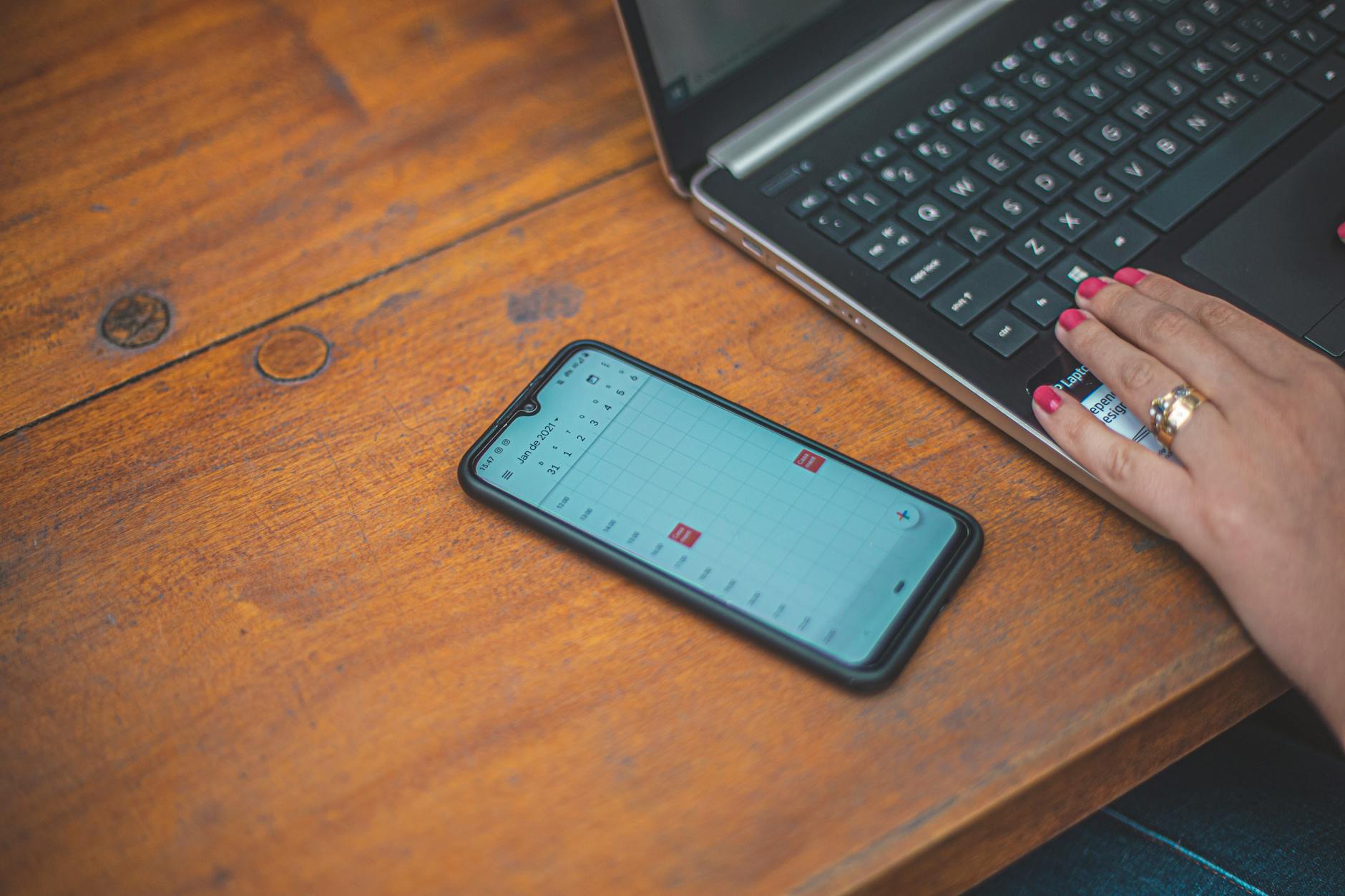
The real magic is not just getting the event on your calendar. It is being ready for it when it arrives. Knowing where the venue is, what time you need to leave, whether you need to buy tickets in advance or can just show up.
Most planning tools stop at the calendar entry. But showing up prepared — not just showing up — is the difference between a good experience and a stressful one. Every event benefits from a little preparation, even the casual ones.
“The gap between seeing something interesting and actually experiencing it is almost always a planning gap, not a desire gap.”
You wanted to go to the jazz night. You just did not plan for it. And by the time Friday arrived, the window had closed.
Composed closes that gap. Take a photo of any event poster, flyer, or screenshot, and Composed reads it — extracting the event name, date, time, and location automatically. It creates the event, generates a prep checklist, and sends gentle, graduated reminders so you actually show up. No typing, no transcription, no forgetting.