If you use Google Calendar for work and Composed for everything else, you’ve probably been living in two worlds. Work meetings in one app. Personal plans in another. Context-switching every time you need to figure out whether you’re actually free Thursday afternoon.
That changes today. Composed v1.6.0 adds full Google Calendar sync.
What It Does
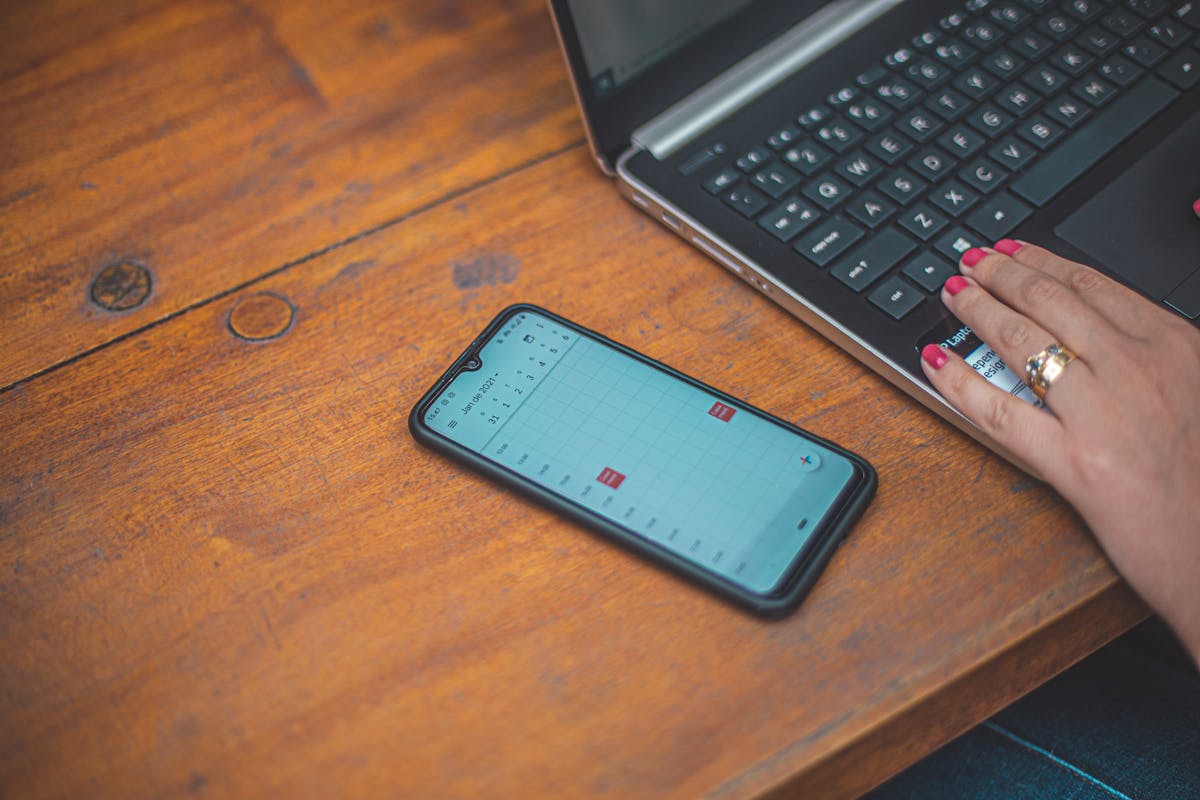
Connect your Google account in Settings, and your Google Calendar events appear alongside everything else in Composed — your todos, your deadlines, your notes, your personal events. One view. One composed place.
It’s two-way sync, so changes flow both directions. Edit an event in Composed, and it updates in Google Calendar. Create something in Google Calendar, and it shows up in Composed on the next refresh.
But here’s what makes it different from just using Google Calendar: Composed adds its intelligence layer on top. Your Google Calendar events get the same smart reminders, departure reminders, and prep checklists that your Composed events already have.
That work meeting across town at 2pm? Composed will tell you when to leave based on real-time traffic. That client presentation on Friday? You’ll get a prep checklist automatically — review your slides, print the agenda, charge your laptop.
Google Calendar knows when things happen. Composed knows how to get you there ready.
How to Set It Up
- Open Composed and go to Settings
- Tap Connect Google Calendar
- Sign in with your Google account and grant calendar access
- Your events will start syncing immediately
That’s it. No complicated setup, no choosing which calendars to import, no sync conflicts to resolve. It just works.
A Note About the “Unverified App” Screen
When you connect your Google account, you might see a screen from Google that says “This app isn’t verified.” This is completely normal for new apps that have recently added Google integration. We’ve submitted for verification with Google, and it typically takes 2-4 weeks to process.
You can safely proceed past this screen — tap “Advanced” and then “Go to Composed.” Your data is handled securely and we only request access to your calendar, nothing else.
What Else Is New in v1.6.0
This update isn’t just about Google Calendar. We also polished shared events — smoother RSVP flow, instant button feedback, and better email confirmations when you’re coordinating plans with friends.
Under the hood, we improved error handling, added smarter retry logic for flaky connections, and fixed dozens of small issues that make the whole experience more reliable.
The Bigger Picture
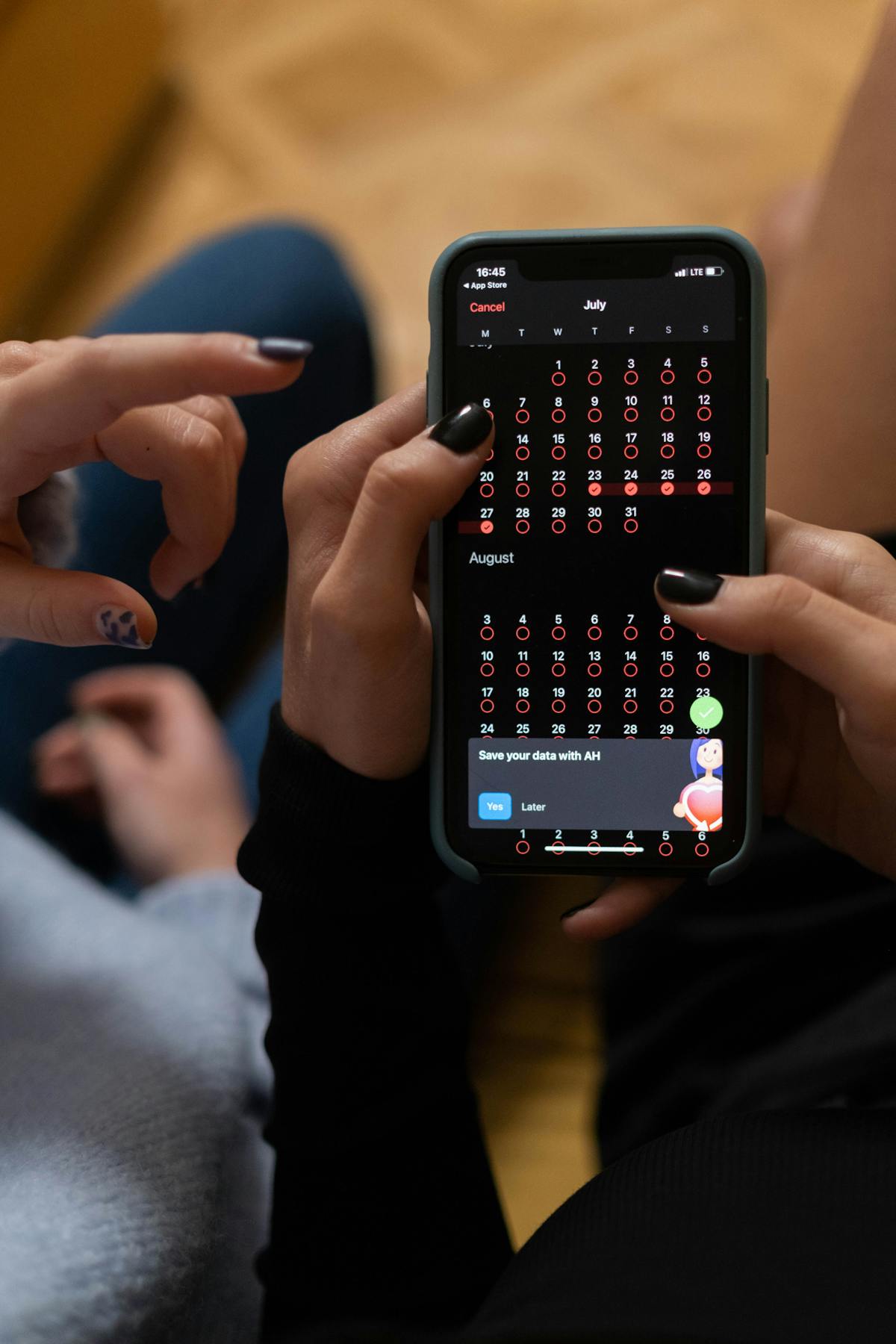
Composed has always been about having one composed place for your entire life. Your events, your todos, your deadlines, your notes — all in one view, with reminders that actually think ahead.
Google Calendar sync was the missing piece. If your work life lives in Google and your personal life lives in Composed, they don’t have to be separate anymore. One hub. One composed place. Everything together.
If you want a deeper look at how sync works under the hood, we wrote a full guide to syncing Google Calendar with your planning app. And if you’re wondering whether consolidating calendars is worth the effort, here’s why one calendar changes everything.
Download Composed and connect your Google Calendar today.