This actually happened today.
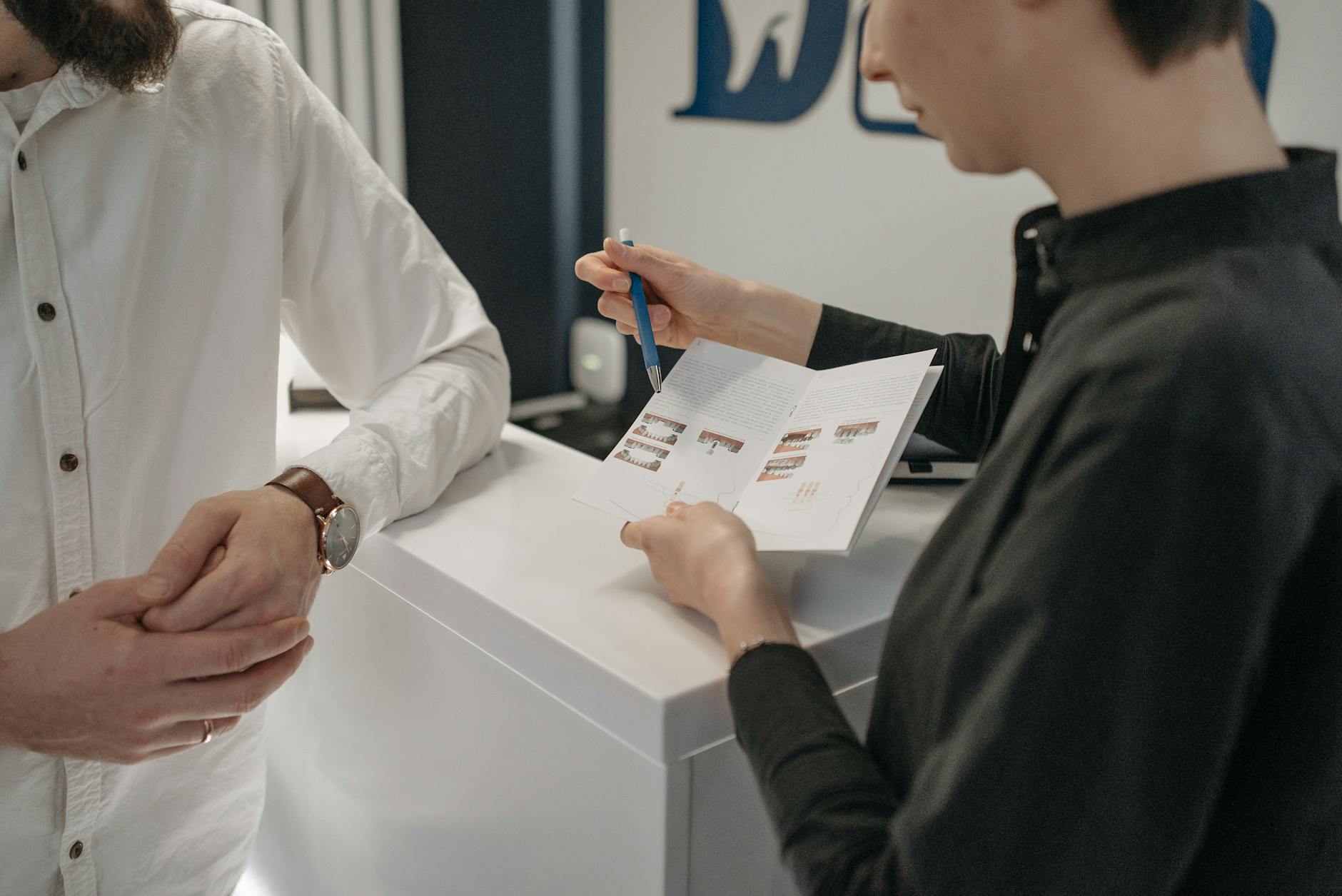
I was standing at the front desk of my dentist’s office. The hygienist had just told me I needed a follow-up. The receptionist was pulling up their scheduling system, and I was already thinking about the twelve other things I needed to do today.
In the old world, here is what would have happened: I would have taken the appointment card. I would have put it in my pocket. I would have forgotten about it until I found the card crumpled in my jeans three weeks later, at which point the appointment would have either already passed or I would have to call back and reschedule.
Or maybe I would have opened Google Calendar right there, typed out the details, picked the time, and hoped that future me would remember to actually prepare for it. No reminder until 30 minutes before, which is basically useless for a dentist appointment you need to plan your day around.
Instead, I pulled out my phone, opened Composed, and said: “Follow-up dental appointment tomorrow at 2 PM.”
That was it. Ten seconds.
What Happened Next Was the Part That Matters
Here is what Composed did with those seven words:
It understood “tomorrow at 2 PM” — date and time, locked in.
It knew I was standing at a dentist’s office. Because location intelligence is always working in the background, it immediately showed me dental offices in my area. I tapped my dentist from the list. Done. Address, phone number, everything attached to the event.
Then it started doing the things I would have forgotten to do myself.
Within seconds, Composed auto-generated a prep checklist — the kind of stuff that seems obvious but always slips through the cracks. Confirm the appointment the morning of. Check if you need to bring insurance information. Set aside time to get there.
And the reminders? Not a single “30 minutes before” notification that catches you mid-commute. Composed uses a graduated reminder system — an early heads-up so you can plan your day around it, a nudge the morning of, and a departure reminder based on actual travel time from wherever you happen to be.
The receptionist was still typing when I was already done.
Why This Is Different From “Just Use Your Calendar”
I have used Google Calendar for years. It is fine for meetings that other people schedule for you. It is fine for recurring events that never change.
But for the stuff that happens in real life — the dentist follow-up, the oil change you keep putting off, the dinner reservation you made on the phone — Google Calendar asks you to do all the work.
You type the title. You pick the time. You manually add the location. You set a reminder (singular). You get no prep help. You get no travel time calculation. You get one notification, and if you miss it, too bad.
The gap between “I scheduled it” and “I actually showed up prepared” is where most planning apps stop and real life falls apart.
Composed fills that gap. Not with more features or more complexity, but by being genuinely smart about what happens after you say the words.
The Dentist Office Test
I have started thinking of real-world moments like this as the test for whether a planning tool actually works. Can you use it while standing at a front desk with someone waiting? Can you use it while walking out of a restaurant where you just made a reservation? Can you use it while your hands are full and you just need to say what is happening?
If the answer requires opening an app, tapping through three screens, and typing with your thumbs, the answer is no. You will either do it poorly or not do it at all. And then you will forget.
Voice input is not a gimmick. It is the difference between something getting into your system and something staying in your head, where it will eventually disappear.
What Google Calendar Would Have Given Me
Let me be specific about the difference, because it matters.
Google Calendar: A block on my calendar that says “Dentist” at 2 PM tomorrow. One reminder 30 minutes before. No address unless I manually added it. No prep tasks. No travel time. No graduated reminders to help me plan my day.
Composed: An event with the dentist’s name, address, and phone number attached. A prep checklist generated automatically. Reminders that start early enough to be useful. A departure reminder that recalculates based on where I actually am when it is time to leave — not where I was when I created the event.
The calendar tells you what is happening. Composed helps you actually be ready for it.
This Is What “Effortless” Actually Means
I keep coming back to this word because it is the whole point.
Effortless does not mean the app does nothing. It means the app does so much that you barely have to think. You say what is happening. The app handles the rest — the location, the preparation, the timing, the reminders.
Seven words at a front desk. “Follow-up dental appointment tomorrow at 2 PM.” And now I will actually show up tomorrow, on time, prepared, without having thought about it again until Composed gently tells me it is time to start getting ready.
That is what planning should feel like. Not a chore. Not another thing to manage. Just a stress-free system that has your back.
This is the first post in our “Composed in the Wild” series — real moments where the app meets real life. Follow along on Instagram @jessemeria for more.