Google Calendar or Apple Calendar? You don’t have to pick. Composed works with both, both ways: your events come in, what you add in Composed goes back out, and an edit made in either one shows up in the other. Keep the calendar you have, and let Composed do what it doesn’t.
Your events, brought in.
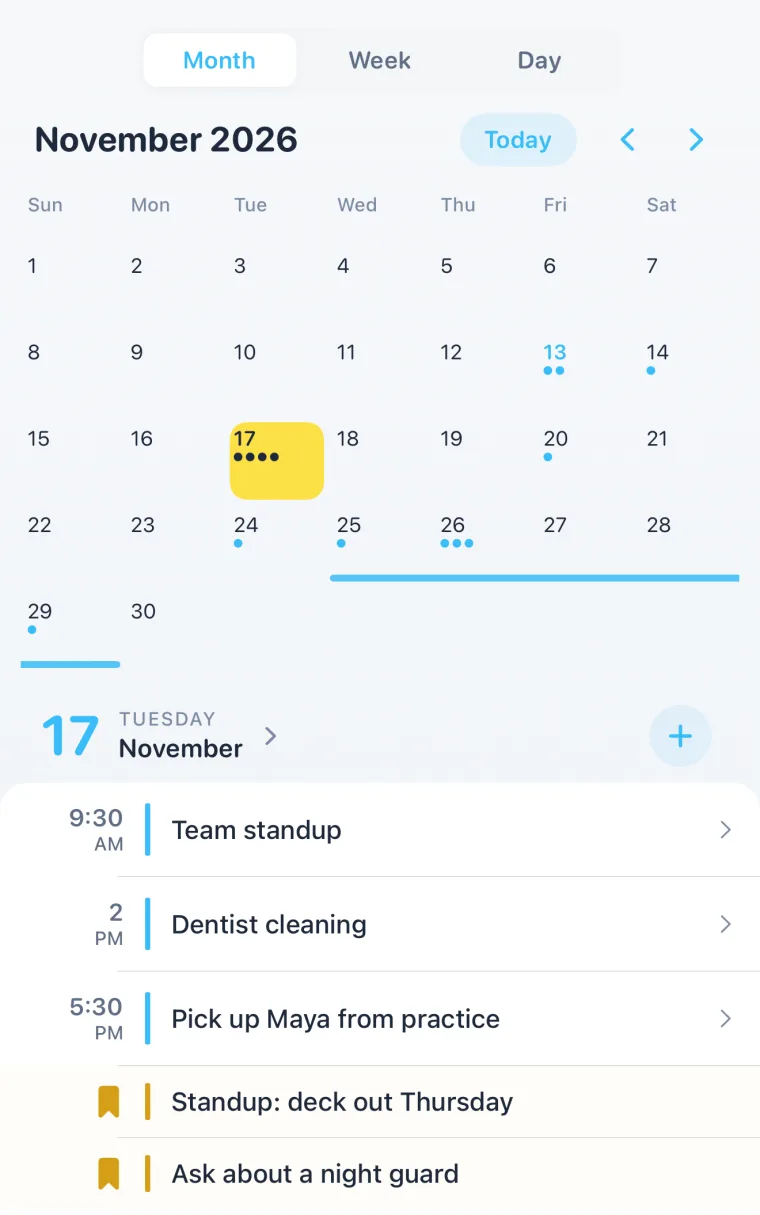
Connect Apple Calendar, which carries iCloud and any account you’ve added to your iPhone, or sign in to Google Calendar. Your events show on Today and Month next to everything you add in Composed. From Google, every calendar in the account comes in, from 30 days back to 90 days ahead. From Apple Calendar, birthday and holiday calendars are left out, so the timeline holds only plans.
What you add, sent back.
Turn on Sync to Calendar for Apple and pick which calendar, or Sync to Google Calendar, which uses your main Google calendar. What you add in Composed appears there. Sync existing events sends the ones you already have. Change or delete it in Composed and the copy follows.
Edits in either place.
Move an event in Apple Calendar and Composed picks up the new time. Changes in Google Calendar come in when you open Composed. A repeating event stays one series, and an occurrence you moved on its own stays moved.
What your calendar doesn’t do.
Add it in a sentence or a screenshot. Say “dentist thursday at 2pm,” or add a screenshot of a booking, and it’s saved, and sent to your calendar if sync is on. See voice input and screenshot import.
A time to leave, for imported events too. An event from Google or Apple Calendar whose location is a clear address gets a time to leave, worked out from where you are with Apple Maps traffic. A location like “Zoom” or a room number gets none.
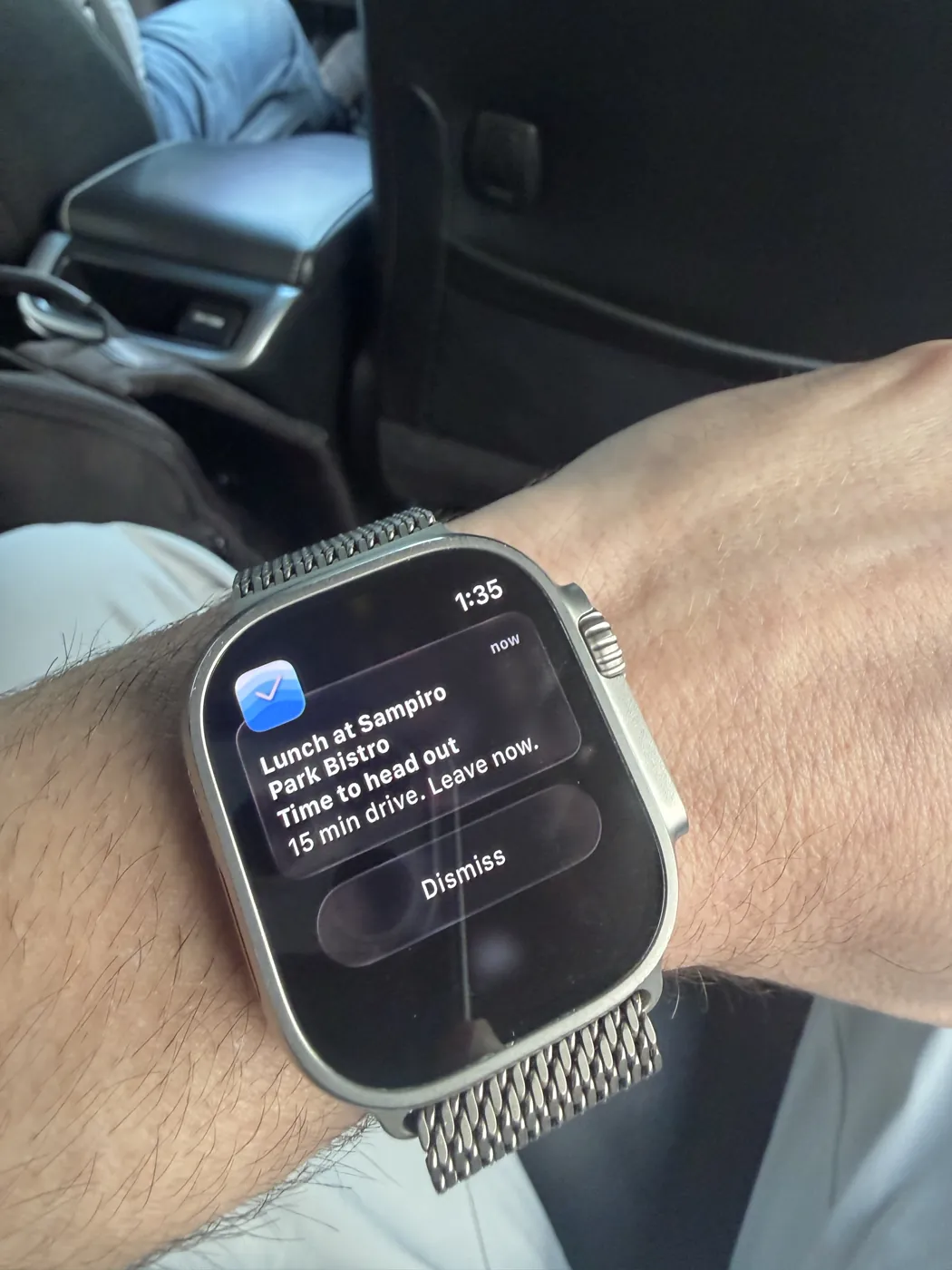
Reminders that fit the plan. A heads-up when it’s far off, a nudge in the week before, thirty minutes before, and the moment to leave, on your iPhone and Apple Watch. See smart reminders.
To-dos and notes beside the events. The things with no time and the notes for a plan live in the same app as the calendar.
Disconnect any time.
Disconnect Google Calendar in Settings and your events stay in Composed. You can reconnect whenever you like.
Questions people ask.
- Should I use Apple Calendar or Google Calendar on iPhone?
- Whichever you already use, or both. Composed connects to both, brings their events in and sends what you add back out, so the choice stops mattering.
- Does Composed sync both ways with Google Calendar?
- Yes. Google Calendar events come into Composed, and with Sync to Google Calendar on, events you add in Composed appear in your main Google calendar.
- Does it work with iCloud and Outlook calendars?
- Yes, through Apple Calendar. Any account you've added to your iPhone's Calendar, such as iCloud, Outlook or Exchange, comes in when you connect Apple Calendar.
- Will my events be deleted if I disconnect?
- No. Disconnecting Google Calendar keeps your events in Composed.